
New features in Linux Mint 18 Cinnamon
Linux Mint 18 is a long term support release which will be supported until 2021. It comes with updated software and brings refinements and many new features to make your desktop experience more comfortable to use.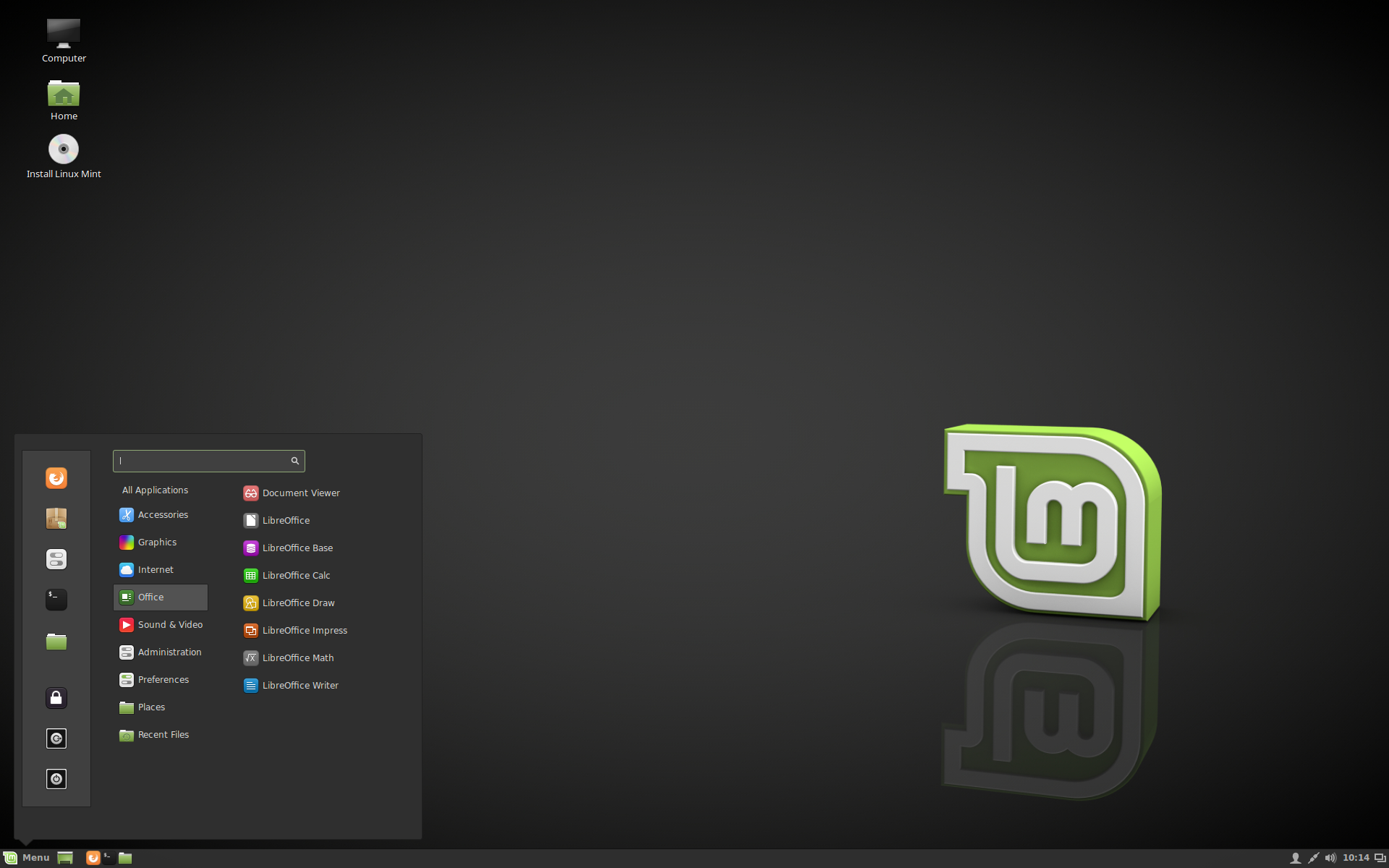
Linux Mint 18 "Sarah" Cinnamon Edition
X-Apps
A new project called "X-Apps" was started and its goal is to produce generic applications for traditional GTK desktop environments.The idea behind this project is to replace applications which no longer integrate properly outside of a particular environment (this is the case for a growing number of GNOME applications) and to give our desktop environments the same set of core applications, so that each change, each new feature being developed, each little improvement made in one of them will benefit not just one environment, but all of them.
The core ideas for X-Apps are:
- To use modern toolkits and technologies (GTK3 for HiDPI support, gsettings etc..)
- To use traditional user interfaces (titlebars, menubars)
- To work everywhere (to be generic, desktop-agnostic and distro-agnostic)
- To provide the functionality users already enjoy (or enjoyed in the past for distributions which already lost some functionality)
- To be backward-compatible (in order to work on as many distributions as possible)
Xed is based on Pluma and acts as the default text editor.
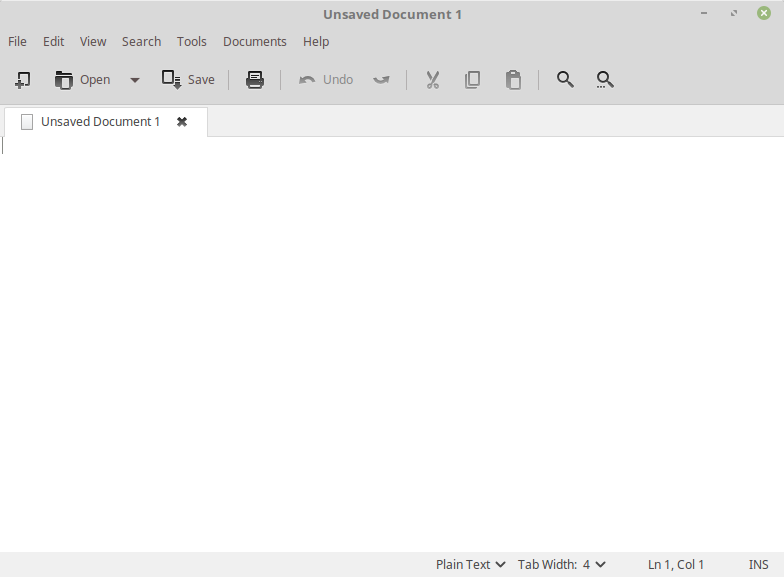
Starting a new text file in Xed
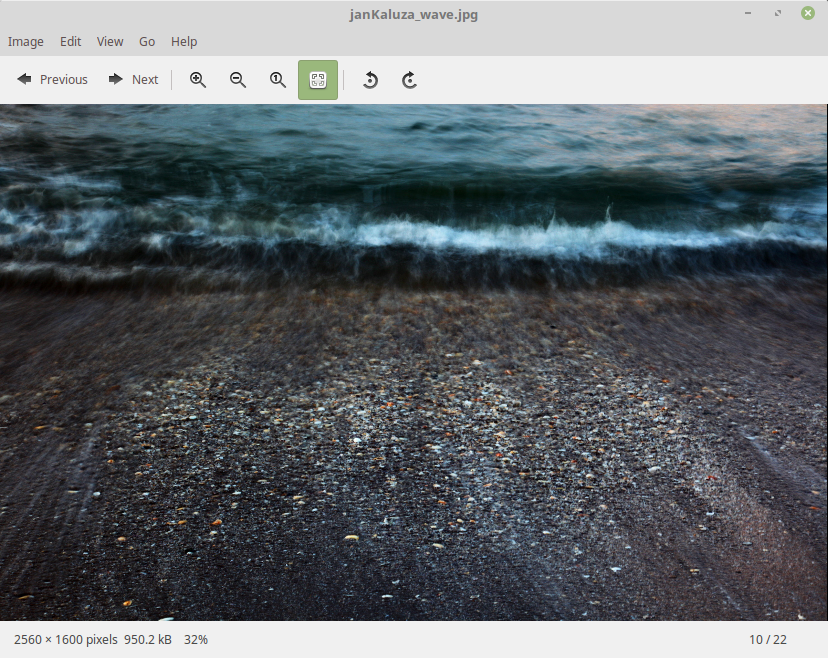
Viewing a picture in Xviewer
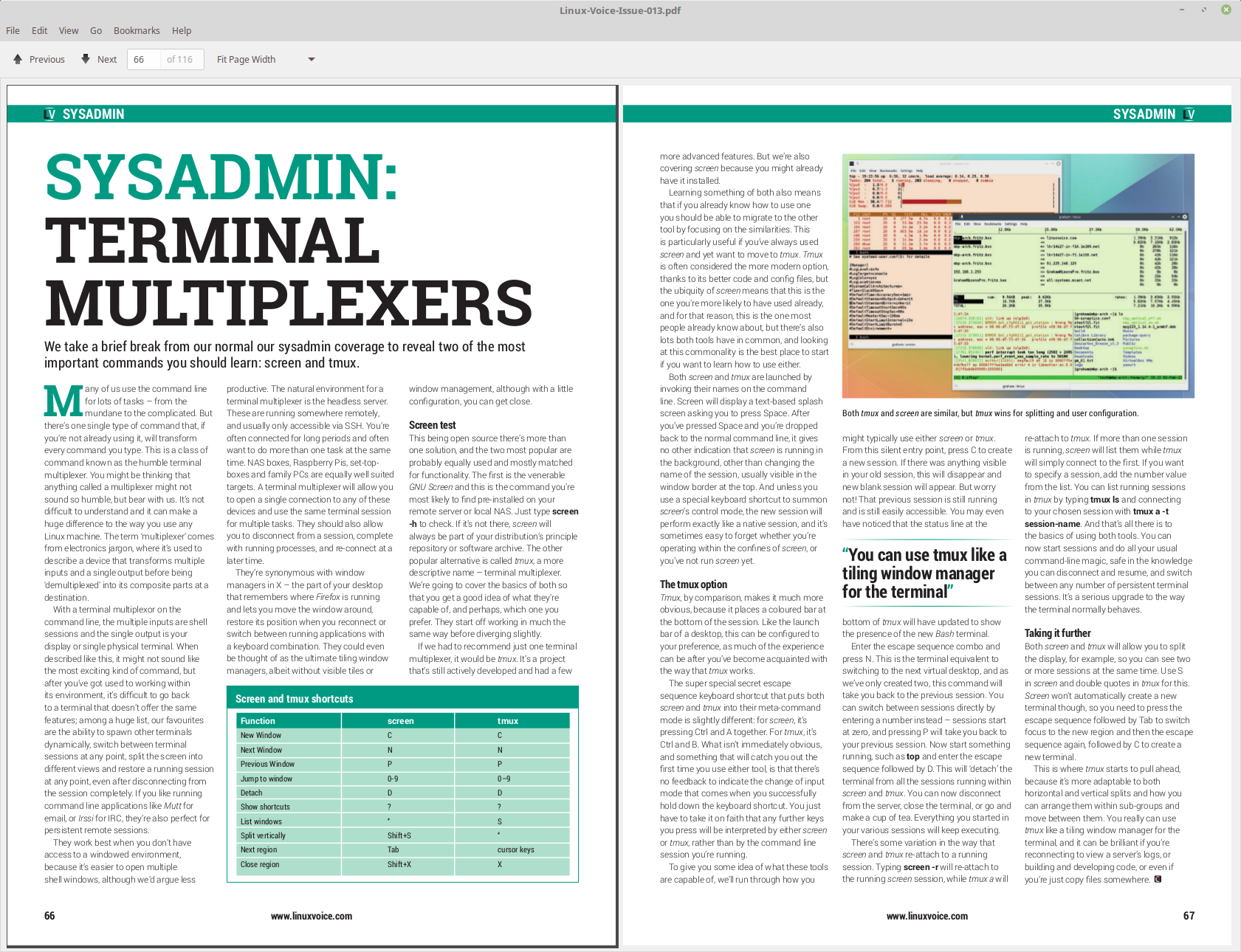
Reading a magazine in Xreader

Watching a music video in Xplayer
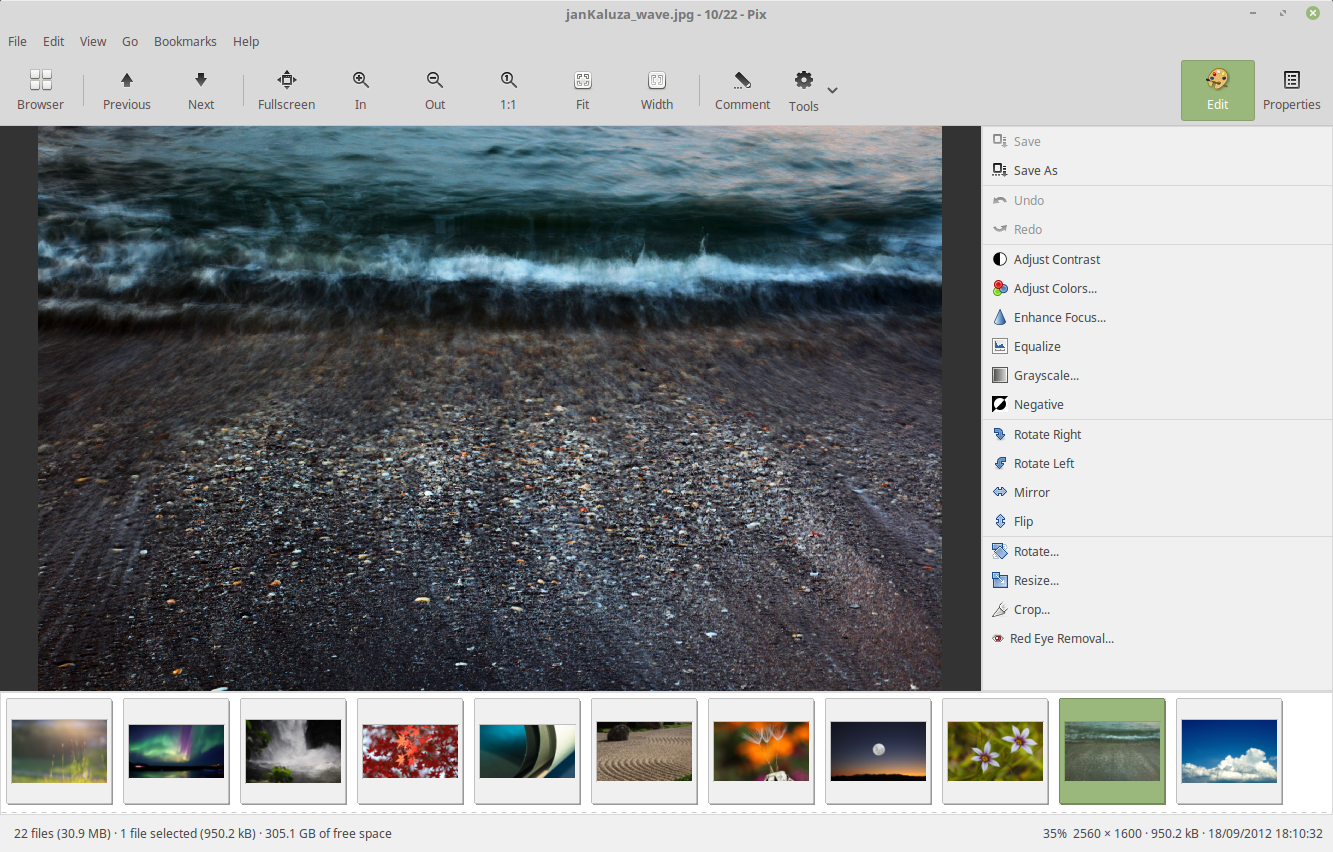
Organizing pictures in Pix
Update Manager
The update manager received many improvements, both visual and under the hood.The main screen and the preferences screen now use stack widgets and subtle animations, and better support was given for alternative themes (toolbar icons are now compatible with dark themes, application and status icons are now themeable and dimmed text is now rendered with dynamic colors).
Two new settings were added to let you see and select kernel updates. Even though these aren’t really updates, but the availability of packages for newer kernels, the manager is now able to detect them and to present them for installation to you as a traditional update. These are level 5 updates but the new settings let you configure them independently.
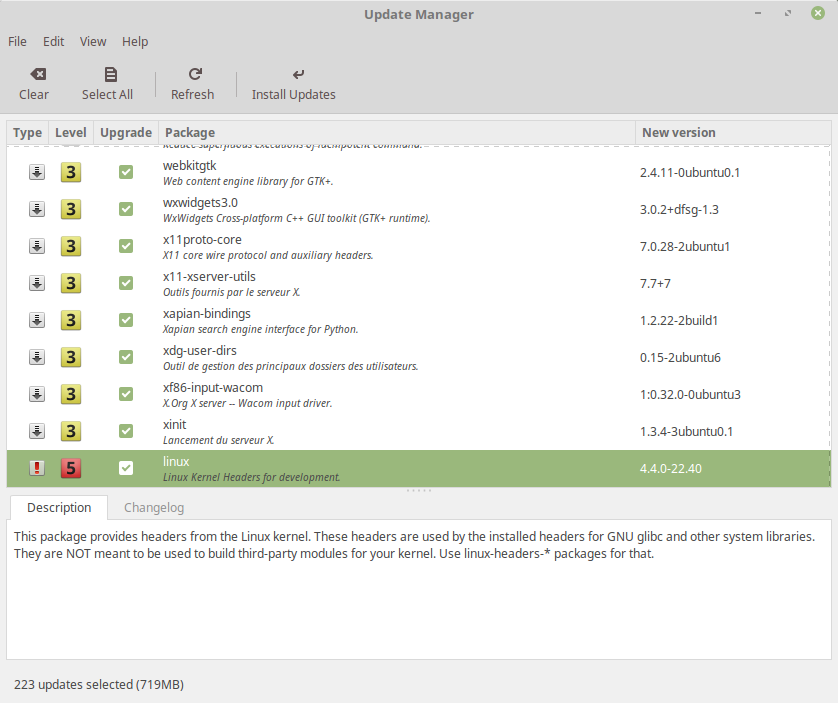
Kernel updates can be configured independently and appear as traditional updates
Linux Mint no longer ships lists of fixes and lists of regressions specific to particular kernels. With so many kernel revisions, so many fixes and so many regressions happening sometimes on a daily basis, this information was quickly outdated. Instead, it was replaced with links to relevant sources of information. For instance, if you select a particular kernel you can now quickly access its changelog and see all the bug reports marked against it.
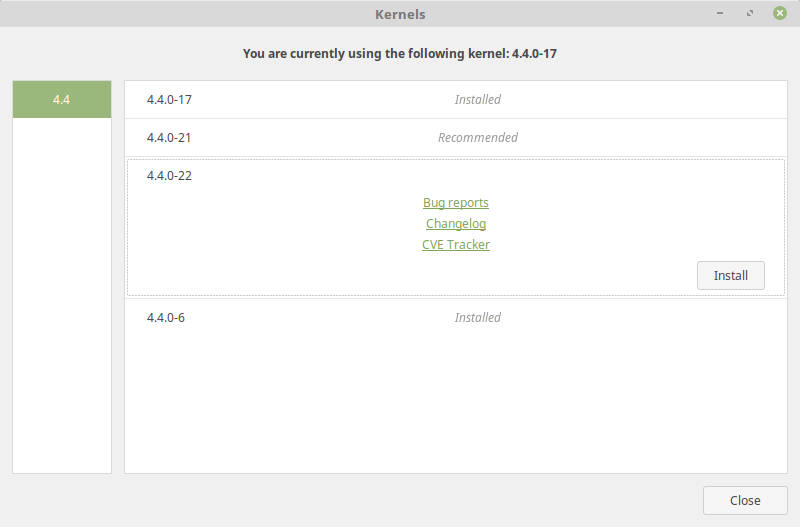
Kernel changelogs and bug reports are now quickly accessible
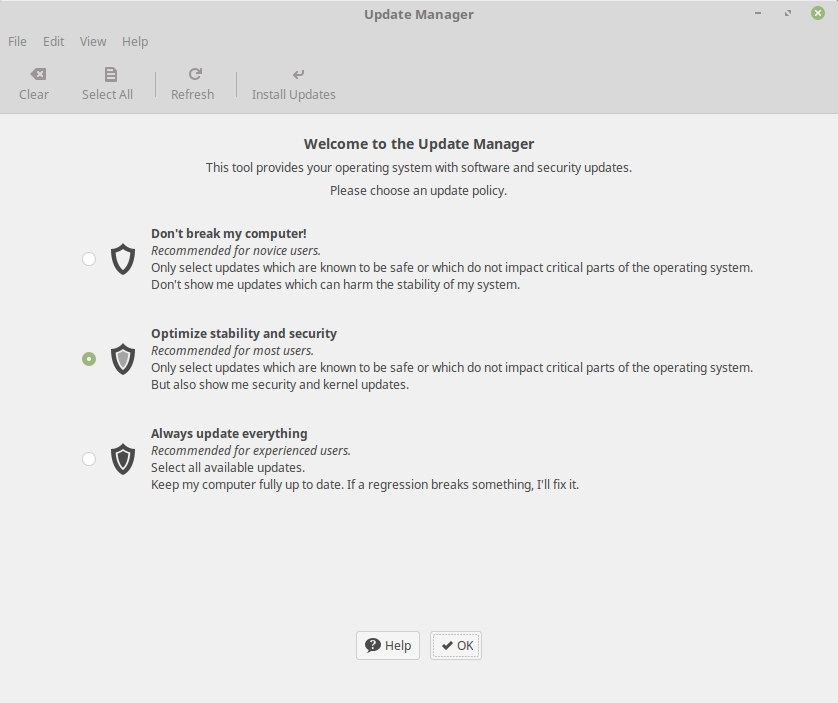
Choosing an update policy
Although this screen is only shown once and its main purpose is to present information, it can also be used as a quick way to switch between sets of preferences and it can be launched from the Edit->Update Policy menu.
Mint-Y
In 2010, Linux Mint 10 introduced a beautiful metallic theme called "Mint-X". 6 years later trends have changed significantly. Many interfaces and websites changed their style to look more modern. 3D elements and gradients were replaced with simpler shapes, cleaner lines and plain colors.To respond to this new trend, Linux Mint 18 introduces "Mint-Y", a brand new theme based on the very popular Arc theme from horst3180 and Sam Hewitt's beautiful set of Moka icons.
Mint-Y looks modern, clean and professional. It embraces the new trends, but without looking too "flat" or minimalistic.
There are three variations of the theme. One is light:
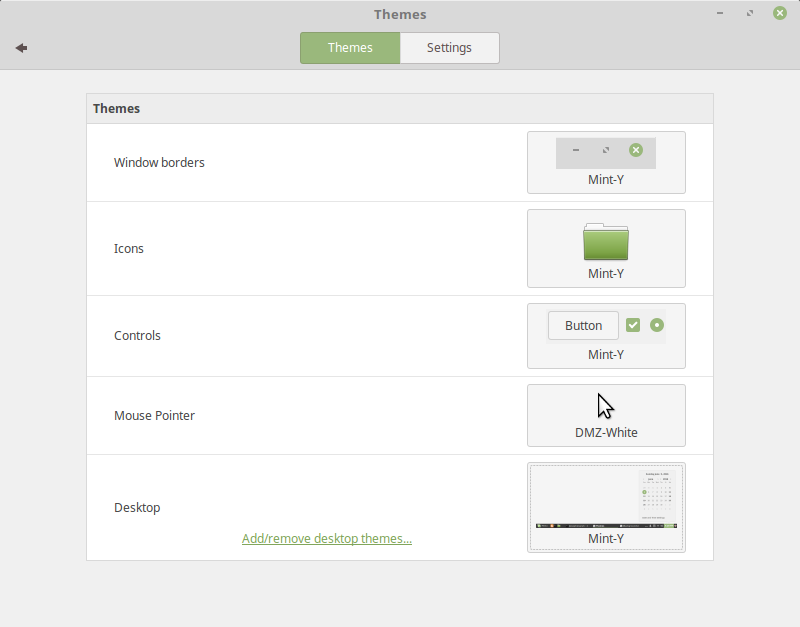
Mint-Y
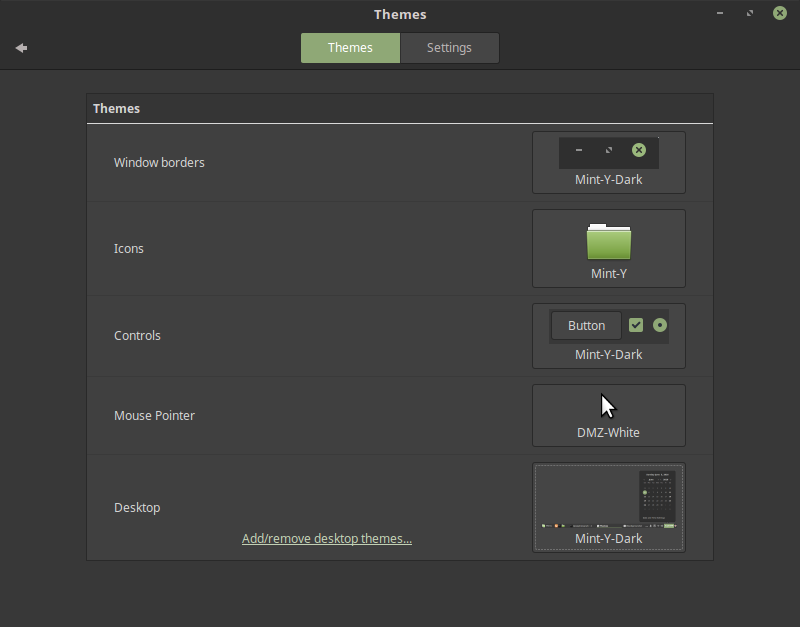
Mint-Y-Dark
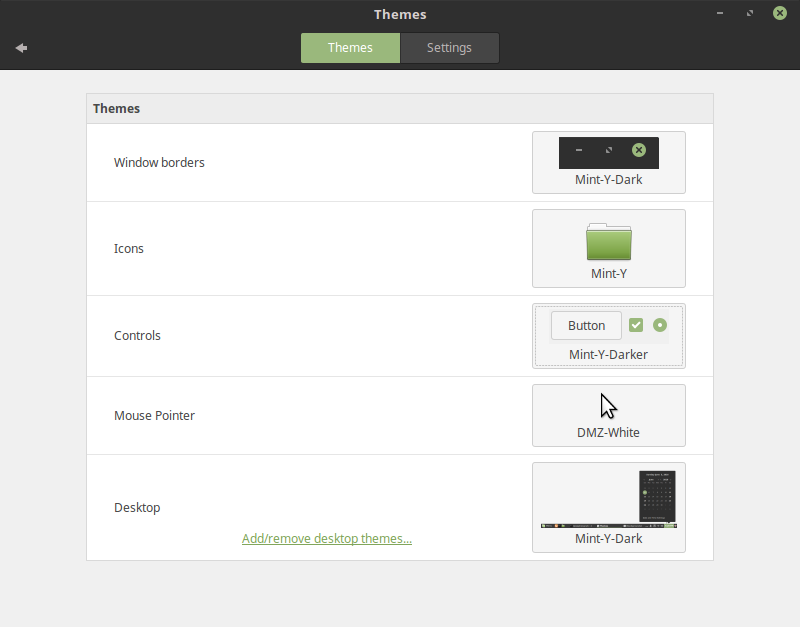
Mint-Y-Darker
In Linux Mint 18, both Mint-X and Mint-Y are installed, and Mint-X is still the default theme.
Mint-Y is a work in progress and it will continue to change and to improve, with your feedback, after the Linux Mint 18 release.
System improvements
In 2007, Linux Mint 3.1 introduced the "apt" command, a handy shortcut to apt-get, aptitude, apt-cache and other commands related to package management, and since then this command was improved, slightly, release after release. In 2014, Debian came up with the same idea but implemented it differently. Although their "apt" command was missing some of the features we supported, it also introduced a few improvements. The Debian "apt" command made its way into Ubuntu and many tutorials now refer to it. In Linux Mint 18, "apt" continues to support all the features it previously had, but also now supports the syntax of the Debian "apt" and benefits from the improvements it introduced. Here is an overview of some of the changes:- "apt install" and "apt remove" now show progress output.
- New commands were introduced to support Debian's syntax. "apt full-upgrade" does the same as "apt dist-upgrade", "apt edit-sources" the same as "apt sources" and "apt showhold" the same as "apt held".
Linux Mint 18 ships with Thermald, a daemon which monitors thermal sensors and prevent CPUs from overheating.
exFAT file systems are now supported out of the box.
Btrfs support is back and installed by default again.
Artwork improvements
The default theme used in the login screen received the following improvements:- To prevent passwords from being typed when no users are pre-selected (thus, when the login screen is waiting for a username to be typed or selected), no dialog is shown by default. Instead, the login screen suggests to select a user. Cases where usernames need to be typed (for instance for LDAP users) are still supported, but you need to press F1 before you can type on the keyboard.
- Slight improvements were made in the way elements of the login screen appear on the screen, giving the theme extra polish and better quality.
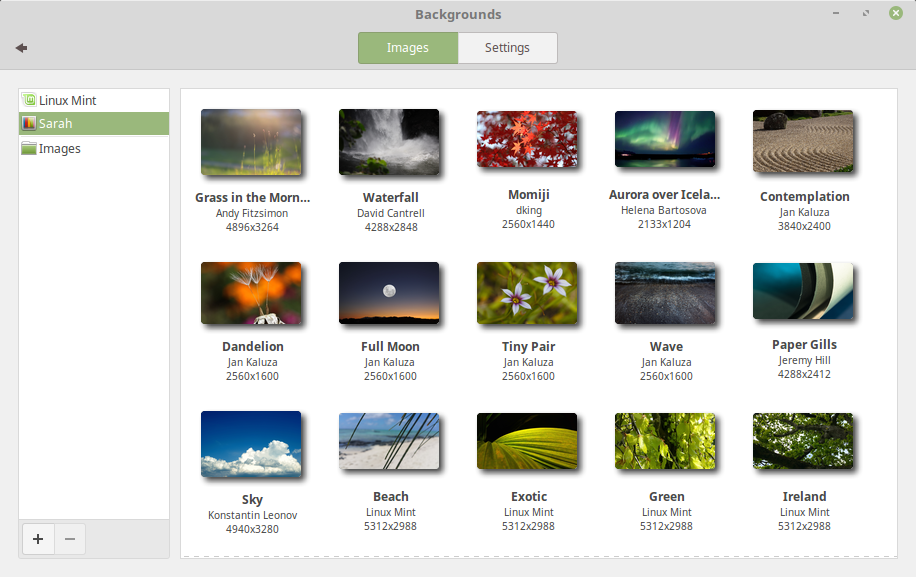
An overview of some of the new backgrounds
Other improvements
HiDPI support is largely improved in Linux Mint 18. Firefox, all the XApps (Xed, Xviewer, Xreader, Xplayer, Pix) and most of the Mint apps (mintdesktop, mintsystem, mintwelcome, mintlocale, mintdrivers, mintnanny, mintstick, mint-common, mintupdate, mintbackup and mintupload) migrated to GTK3.Popular applications such as Steam, Spotify, Dropbox or even Minecraft were added to the Software Manager and are now easier to install.
All editions now support OEM installations.
Gufw, the graphical firewall configuration tool, was added to the default software selection and is now installed by default.
Main components
Linux Mint 18 features Cinnamon 3.0, MDM 2.0, a Linux kernel 4.4 and an Ubuntu 16.04 package base.LTS strategy
Linux Mint 18 will receive security updates until 2021.Until 2018, future versions of Linux Mint will use the same package base as Linux Mint 18, making it trivial for people to upgrade.
Until 2018, the development team won't start working on a new base and will be fully focused on this one.
Source Linuxmint.com


0 comments:
Post a Comment